
Which country is your home in?
HomeVeya Exchange launches in the UK first. Ireland is coming later.
Already registered? Sign in to finish or check your home.
Create your profile
Use the email you’ll sign in to the app with — that’s how your draft finds you at launch.
Where is your home?
Other members only see your area and postcode district — never your full address.
Your home and rooms
Choose the closest match, then add the number of rooms.
Features & amenities
Show what makes your home special. Select only features you can use as part of your tenancy.
Swap preferences
Tell us what you’re looking for. You can change this any time in the app.
Title & description
Help other households picture life in your home.
Property photos
Bright, accurate photos get more interest. Your first photo is the cover.
Add 1 to 10 photos. We resize them for you.
Design preview: photos stay in this browser tab and are not uploaded.
Review your listing
Check everything looks right. You can edit any section now, or later in the app.
By continuing you create a HomeVeya Exchange account with your email and password. See our privacy notice and terms.
—
—
—
—
—
—
—
You’re on the list
Your draft listing is set aside for launch. Here’s what happens next.
Design preview: nothing has actually been saved or sent.
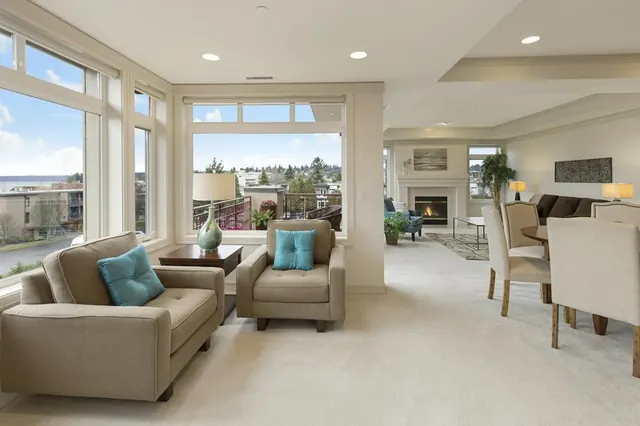
Your home
Sign in
Use the email and password you registered with. We’ll finish submitting your home, or show you where it’s up to.